
Learn CAD by modeling real parts
A free course built from solid parts. Each lesson gives you a dimensioned drawing to copy, the steps in order, a part to draw on your own and the solution files.
- 24 lessons in order
- DWG, DXF, PDF, STEP and STL files
- Free, no account
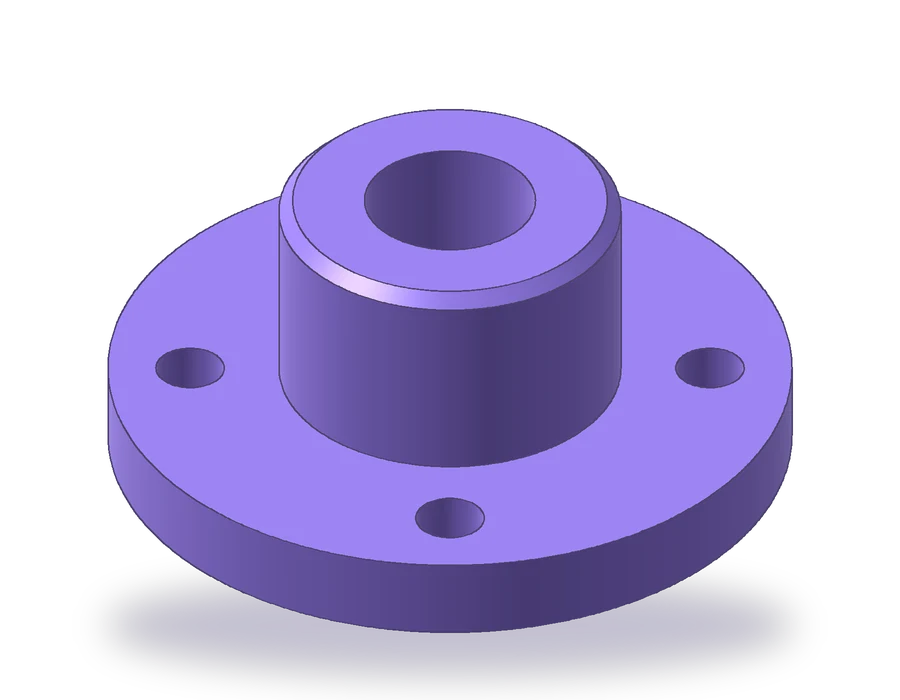

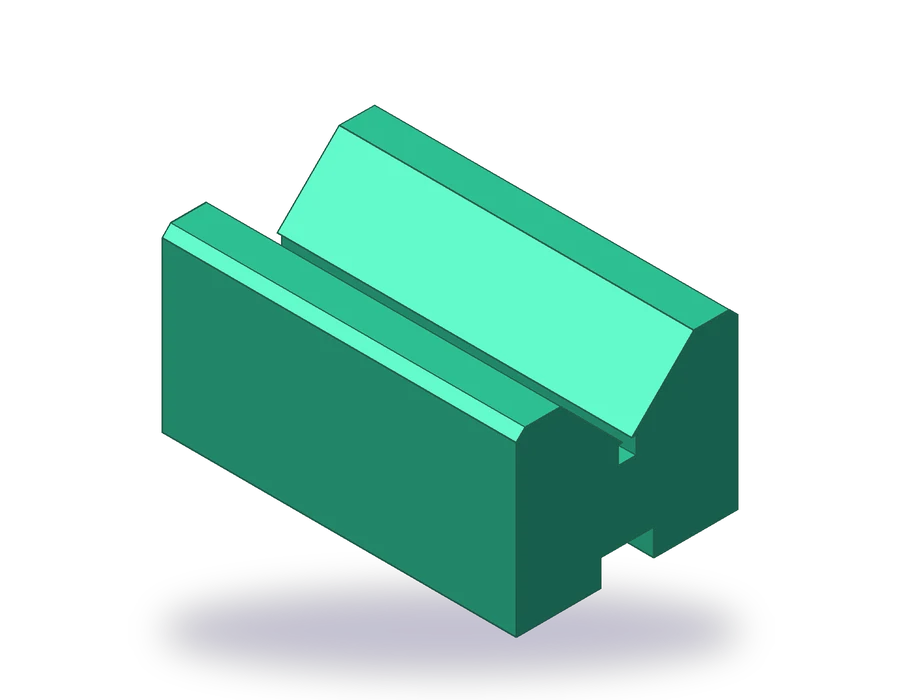

AutoCAD Practice Drawings: a Free Bootcamp in 24 Lessons
Twenty-four AutoCAD exercises in order, from a first stepped plate to an exploded assembly, each with a dimensioned sheet, the steps and the solution files.
Part 1: 2D drafting basics


Part 2: advanced drawing and 3D


How these CAD practice exercises work
- 1Pick the next lessonLessons follow a set order. Each one adds a few commands to the ones you already know, so the parts get harder as your skills grow.
- 2Copy the drawingOpen the dimensioned sheet and redraw the part in your CAD program, following the steps. The images come from the part itself, not from screenshots of the software.
- 3Do the practice drawingEvery lesson ends with a second part of the same type with different sizes. Draw it without help, then compare your result with the solution files.
- 4Check against the filesDownload the finished drawing in DWG, DXF or PDF and the 3D model in STEP or STL, and measure them against yours.
2D and 3D CAD exercises from the same model
Every part on Solidtorial is designed from code as a 3D solid first. The drawing sheet, with its front, top and side views, hidden lines, center lines and dimensions, is projected from that solid, and so are the DWG and DXF files and the STEP and STL models. Because everything comes from one model, the dimensions on the sheet and the files always agree.
That makes the same exercise useful twice: as a 2D drawing exercise in AutoCAD, where you draw the views, and as a 3D modeling exercise, where you build the solid from the sheet. The AutoCAD bootcamp covers both: twenty-one lessons of 2D drafting and three of 3D modeling. More programs will follow with their own lessons.
Metric sheets follow ISO conventions in first-angle projection. The English edition also offers every exercise in inches, drawn in third-angle projection as is usual in the United States.
CAD exercises for beginners: common questions
Are the CAD exercises really free?
Yes. Every lesson, drawing and file can be opened and downloaded without an account. The site is funded by advertising.
I have never used CAD. Where do I start?
Start with lesson 1 of the AutoCAD bootcamp. It assumes no previous experience and only uses lines and coordinates.
Can I use the exercises in my classes?
Yes. Teachers can hand out the sheets and use them in exams, as long as the title block is kept. The file license explains the details.
Do I need AutoCAD to open the files?
The DWG and DXF files open in most 2D CAD programs, and the PDF prints from any computer. The STEP and STL models open in 3D CAD software and in 3D printing slicers.